Web Remote Control(Pad)
Using the web remote control, you can control Arduino remotely by sending specific data to the Arduino on the Web. This application provides sending data by a pad on a web browser to your Arduino.
Using the Web Remote Control(Pad)
-
Connect a shield to your local network.
-
Install the PHPoC library follow the instructions of Installing the Library.
-
Run the Arduino IDE.

-
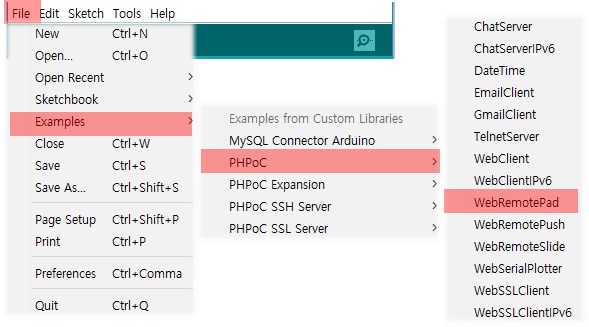
Load the [WebRemotePad] example.
-
Upload the example code.

-
Run the serial monitor.

-
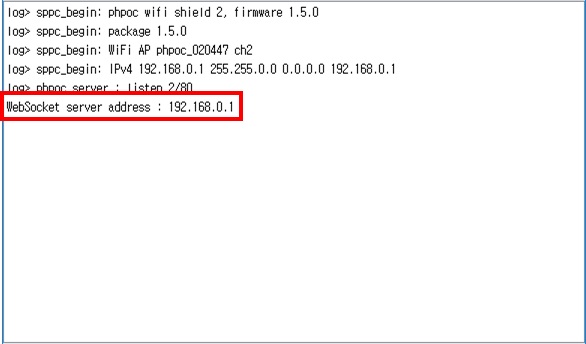
Check the IP address of the shield.
-
Run a web browser on your mobile or PC and connect to the web page of the shield.

-
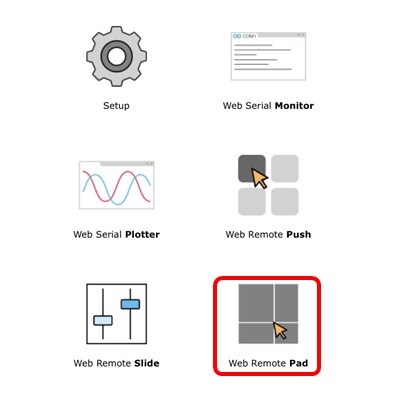
Click the [Web Remote Control / Pad].
-
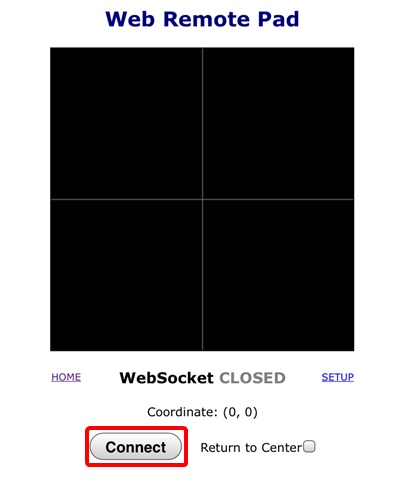
Click the [Connect] button.
-
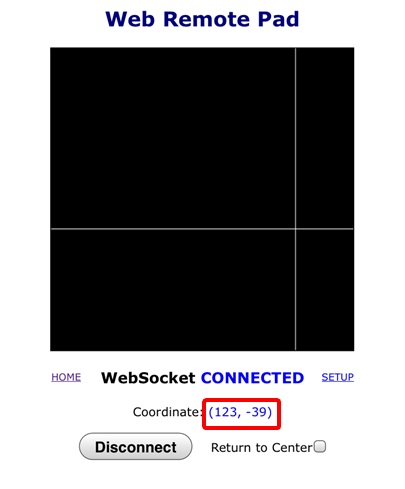
Click or drag your mouse on the pad.
-
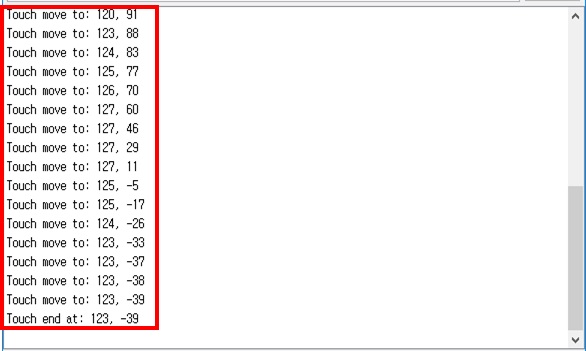
Check the messages on the serial monitor.